Your product page
The link to the product on your store is the best start. The photos, the price and the description come off the page, so you have nothing to type out.
You need your product page, or a few photos of the product. InstantClips uses AI to write the plan for the video and make it. You read the plan first and change anything you want, so the ad says what you need it to say.
A cardigan in four colours, an energy drink poured over ice, a steam brush on a sleeping cat and a soap cut open in the sun. See more in the examples library.
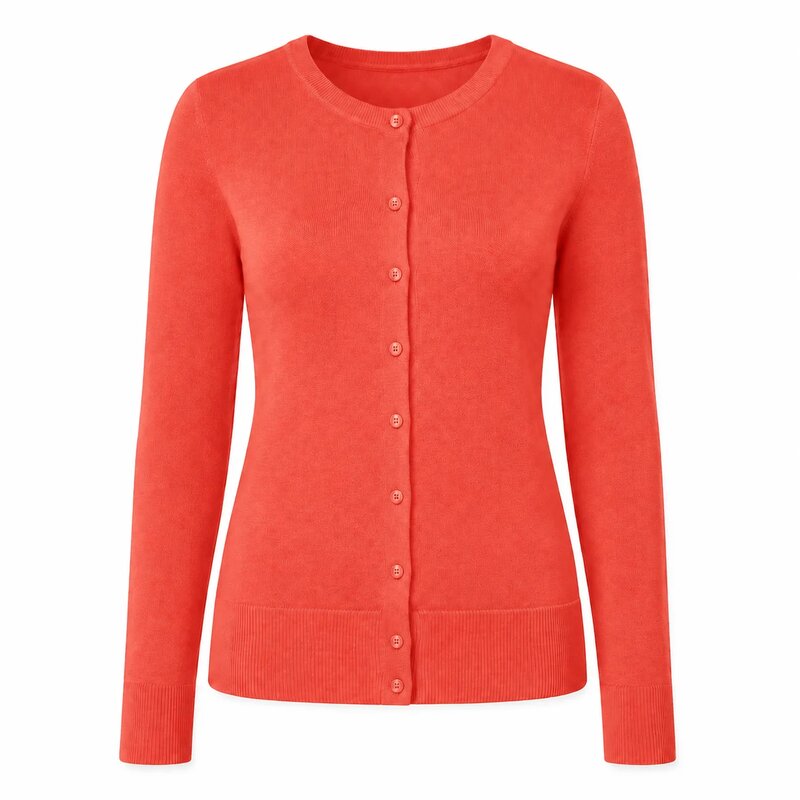
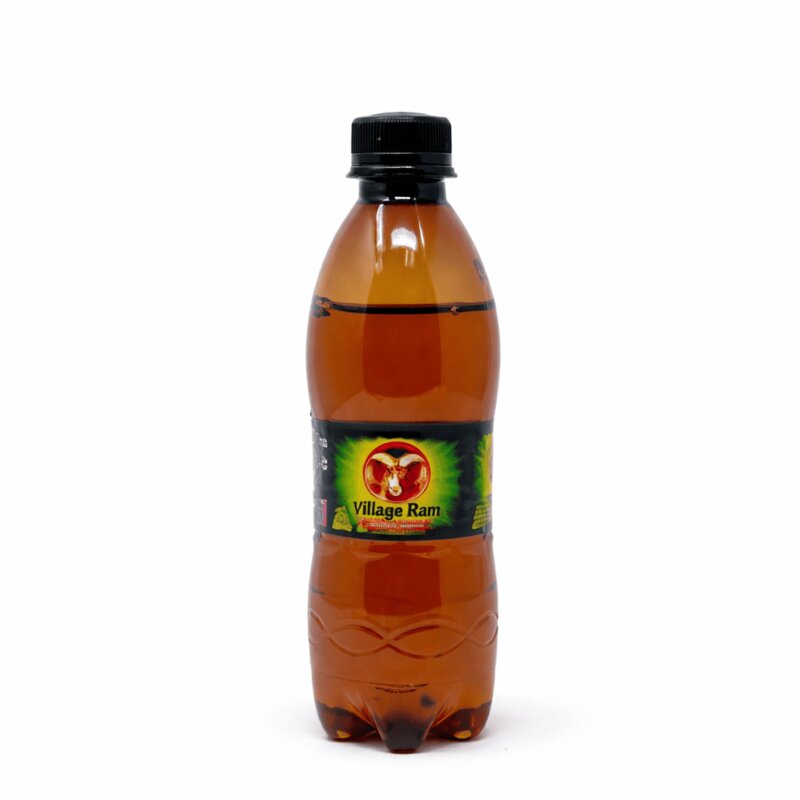
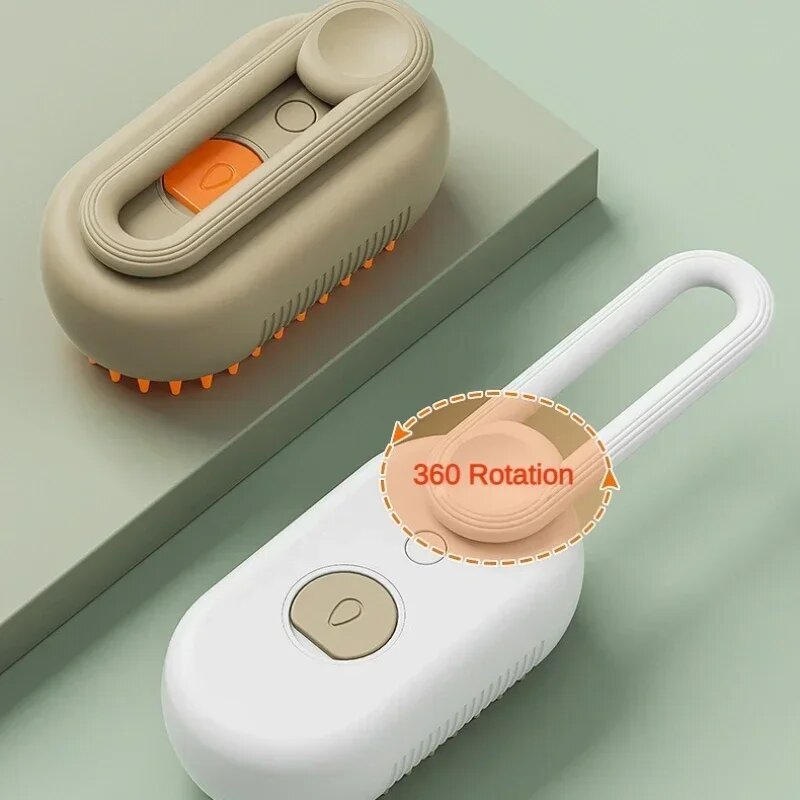
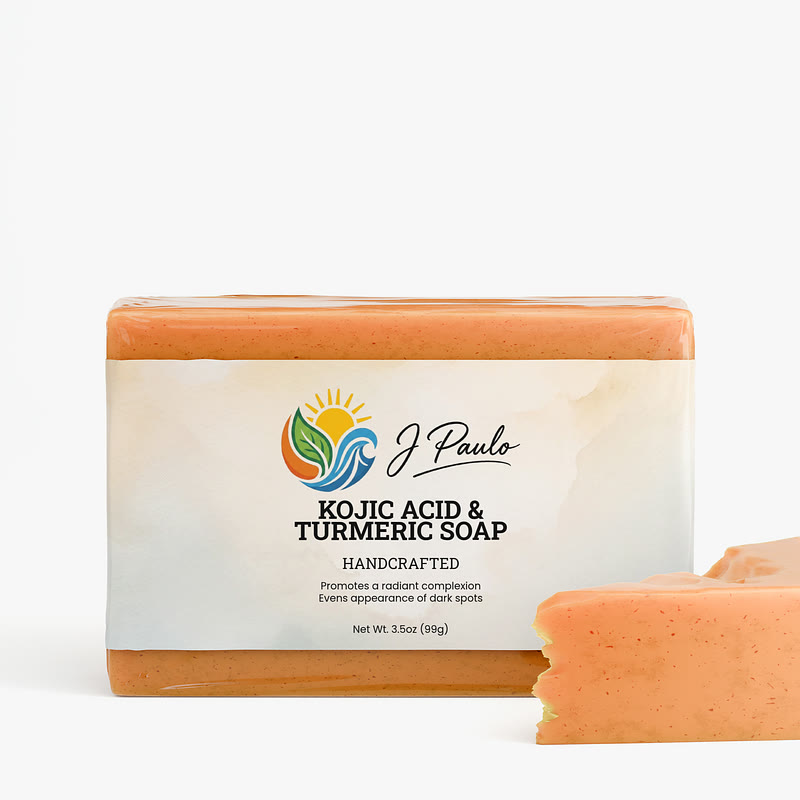
The app has a step-by-step guide to follow when you start.
Take the steam brush above. Its seller added one note: a cat on its back, loose hair all over the house, the brush as the fix, and a clean cat and a clean sofa at the end. The plan turned that note into four things you can check before anything is made.
Your own plan will be laid out scene by scene, but the same four things are worth checking. The app's guide to video plans shows full plans for more videos, word for word.
You do not need much, but what you give the AI shapes the video.
The link to the product on your store is the best start. The photos, the price and the description come off the page, so you have nothing to type out.
No website yet? Upload photos of the product instead and add the details yourself. Several angles of the whole product work best. See which photos work.
Say what the ad has to include: a sale, hands only, a format you like. The AI writes it into the plan. No idea yet? It suggests a few for your product.
Pick the kind of ad that suits what you sell. A hands-on demo shows the product working. A problem and solution ad opens on the annoyance your product fixes. A UGC-style ad looks like a customer's own post. The ideas the app suggests for your product each lean on one of these, or you can describe the kind you want.
Make two or three versions of the same product and compare them. If you run them as paid ads, compare purchases and the cost of each purchase, not views: a video can collect views and sell nothing. If you only post them, compare views, saves and clicks to the product. Each new version is another plan and another video, not another shoot. Your first campaign, week by week covers when to read the results.
The video is vertical, so it fits TikTok, Instagram Reels and Stories, Facebook and YouTube Shorts. Post it from your own account, or put money behind it as a paid ad.
If you have never run an ad before, the Start advertising playbooks walk you through opening your shop, setting up Meta or TikTok, and your first campaign week by week.
No. You paste the product link or upload photos, and the AI writes the plan for the video. It suggests a few ideas for the ad, or you say what you want in a sentence, and you can change any line of the plan before anything is made.
Yes. Upload photos of your product, and add its name and a short description if you like. Everything after that works the same way as a product link.
No. The people and scenes are made by AI from your product page or photos. Nobody is filmed.
Yes. What you generate is yours to post and to run in paid campaigns on TikTok, Instagram, Facebook and YouTube. Each platform reviews ads against its own rules, so check the rules for your product category.
Pasting the link and reading the plan takes a few minutes. The video is usually ready 5 to 15 minutes after you approve the plan, and you can close the tab while it is made.
It is free to try, and there is no card to enter. After that you buy credits, which are spent when a video is made, or when you export it again with changed words. See pricing.
Paste a product link, or upload photos. It is free to try, and there is no card to enter.
